3D printable QR code generator (STL and 3MF)
Make a 3D printable QR code plate, keychain, coaster or sign. Download STL or a two-color 3MF, with a module size check. Free, in your browser.
A flat plate the size of the code and its margin.
Drag to turn it.
Version 2, 25 × 25 modules. Part 60 × 60 × 3.4 mm, 22 + 1,972 triangles (base + code).
One nozzle: add a filament change at 2.4 mm, where the code starts.
Before you print a batch
Module size. Aim for 1.5 mm or more per module with a 0.4 mm nozzle; 1 mm is the floor. More text means more modules, so a long link needs a bigger part.
Contrast. Dark code on a light base, both matte. Black on white PLA scans best; silk, glossy and see-through filaments reflect light and scan poorly.
Height. Keep the raised code or the recess at least 3 layers (0.6 mm at 0.2 mm layers) so the edges come out square.
Test first. Print one at 100% scale, in the filaments you will use, and scan it with a phone in normal room light before printing more.
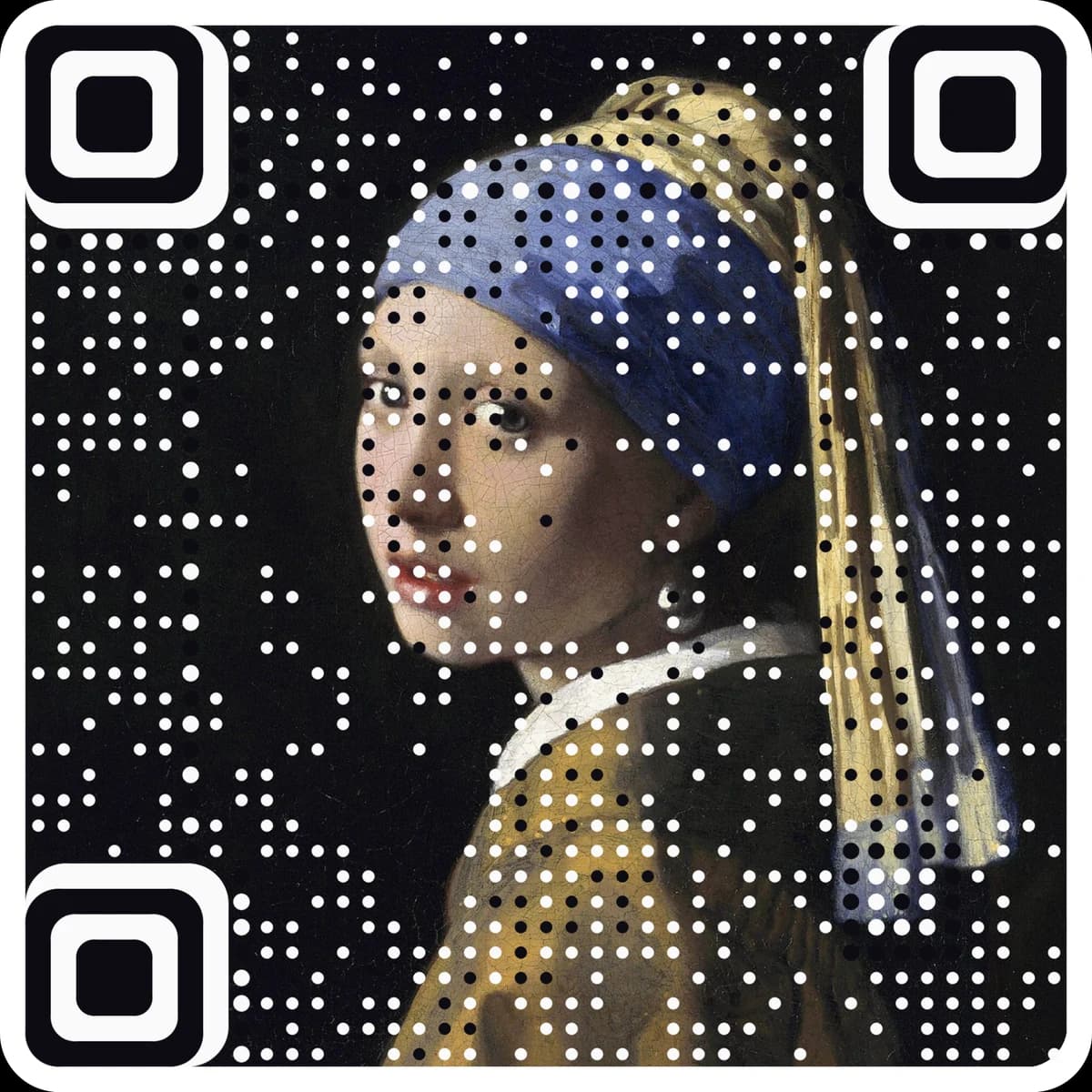
A printed code cannot be edited, so point it at a free dynamic link you can change later. Want the code to be your artwork? Make a picture code.
Paste a link or text and pick a shape: square plate, rounded, keychain, coaster or sign.
Set the size, base and code height. The page shows the module size and warns when it is too small to print.
Download the 3MF or STL files, print one at 100% scale and scan it before you print more.
Questions
How big does a 3D printed QR code need to be?+
It depends on how much the code holds. With a 0.4 mm nozzle, aim for 1.5 mm or more per module; 1 mm is the practical floor. A short link is 25 modules across, so with a 4-module margin it needs about 50 mm for 1.5 mm modules. The page works out the module size for you and tells you the smallest part that prints well.
How do I print it in two colors?+
Open the 3MF: it holds the base and the code as two parts of one model, so you can give each its own filament. The zip has the same two parts as separate STL files. With a single nozzle, choose the raised code and add a filament change at the height where the code starts; the page shows that height.
Raised or inlay: which should I pick?+
Raised is the easiest: the code sits on top of the base and prints with one nozzle and a filament change. Inlay sets the code flush into recesses for a smooth surface. It needs a multi-material printer, or print the recessed base on its own and fill the recesses with paint.
Will the printed code scan?+
It scans best as dark, matte code on a light, matte base, black on white being the safest. The page draws the top view from the actual mesh and reads it with a QR decoder, but plastic, layer lines and lighting are the real test: print one at full size and scan it with a phone first.
Can I change where the code points after printing?+
No. The link is part of the plastic. To keep the option, make a free dynamic code at ariaqr.com/free-qr-code-generator and put its short link in the print; you can change where it goes later without reprinting.
More free tools
The next step
Make the code the artwork.
These tools make and check classic codes. AriaQR turns your photo, logo or illustration into the code itself, verified on real decoders before you download, with a link you can edit and track.